> For the complete documentation index, see [llms.txt](https://support.happydemics.com/llms.txt). Markdown versions of documentation pages are available by appending `.md` to page URLs; this page is available as [Markdown](https://support.happydemics.com/analysis/how-to-download-my-brand-lift-results.md).
# How to download my Brand lift results ?
Can I export the Brand lift’s data ?
### The report
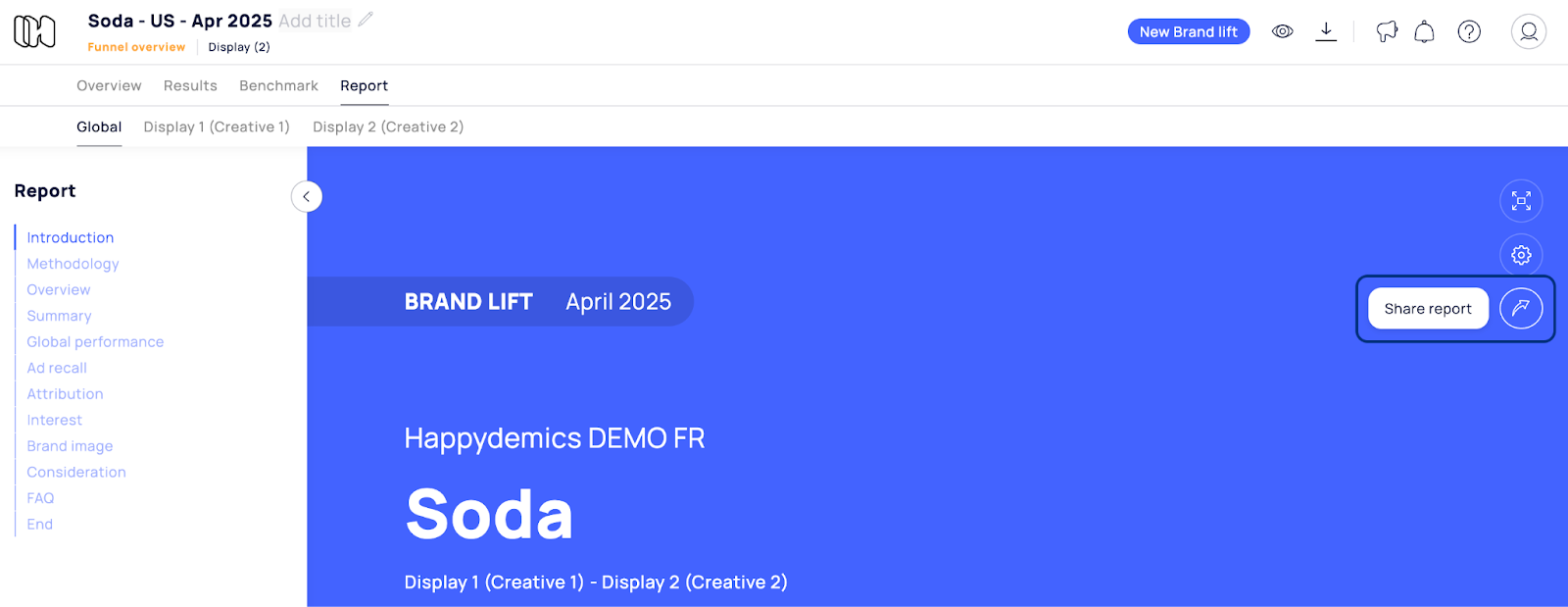
You can download your Brand Lift reports in **PDF format**. If you have a "multi" Brand lift, you can download each report separately, as well as the global one.
{% hint style="info" %}
Don’t forget to [customize your report](/analysis/brand-lift-report/how-do-i-customize-my-report.md) before downloading it.
{% endhint %}
### The raw data
\
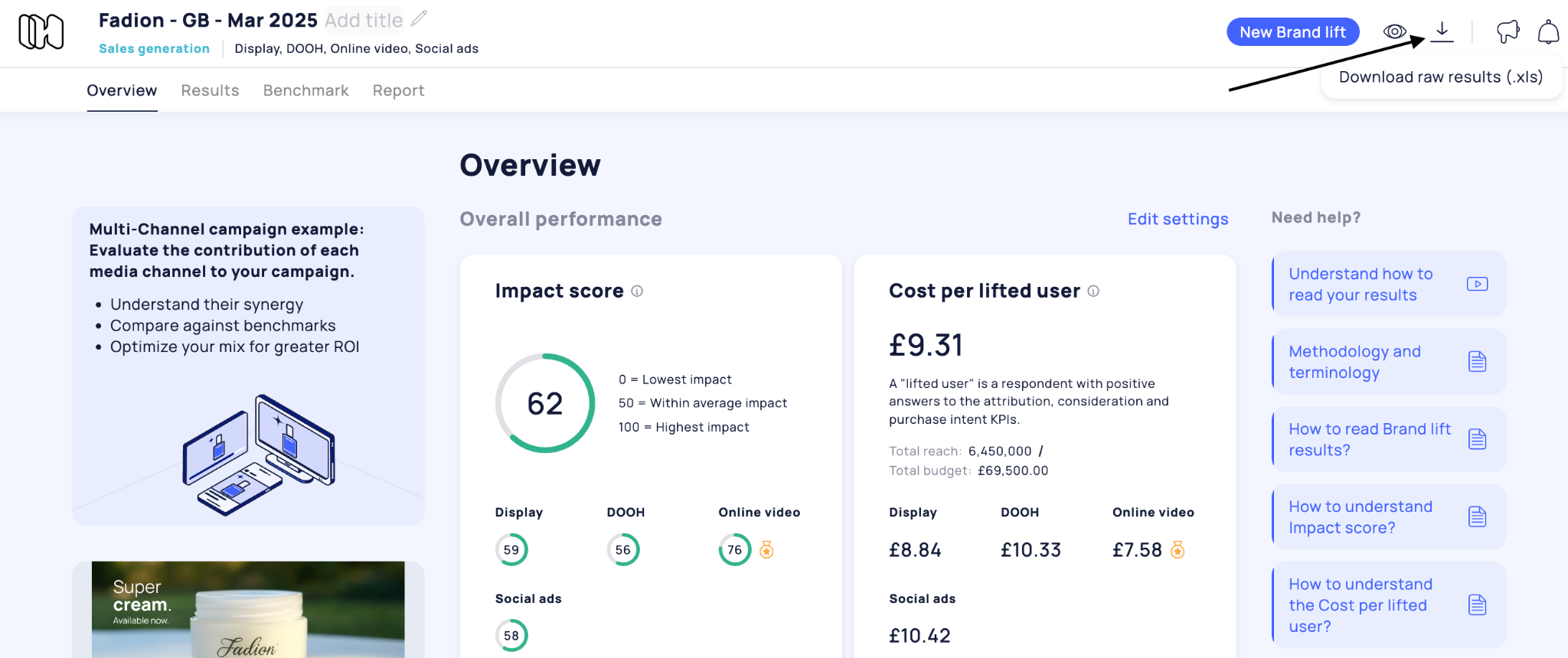
For each Brand Lift, you have the option to download the **raw results**.
\
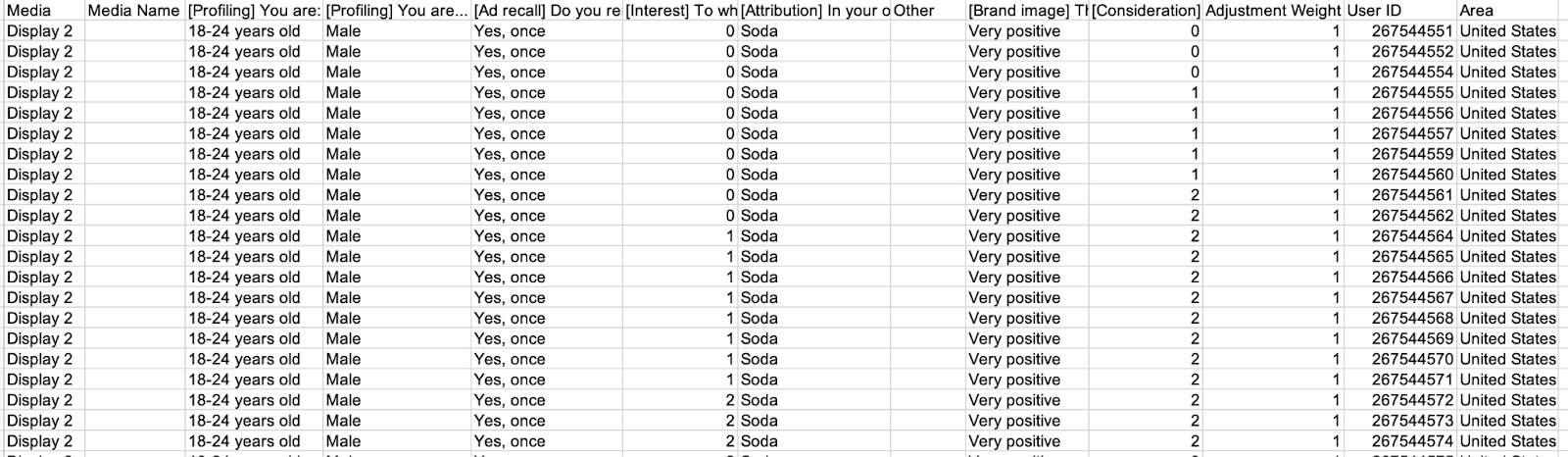
In this Excel file, you’ll find:
* Answers from each respondent for each question/KPI
* [The adjustment weight](/analysis/brand-lift-results/what-is-adjustment-weight.md) for each answer
* The user ID
* The Area
### Graphs and results
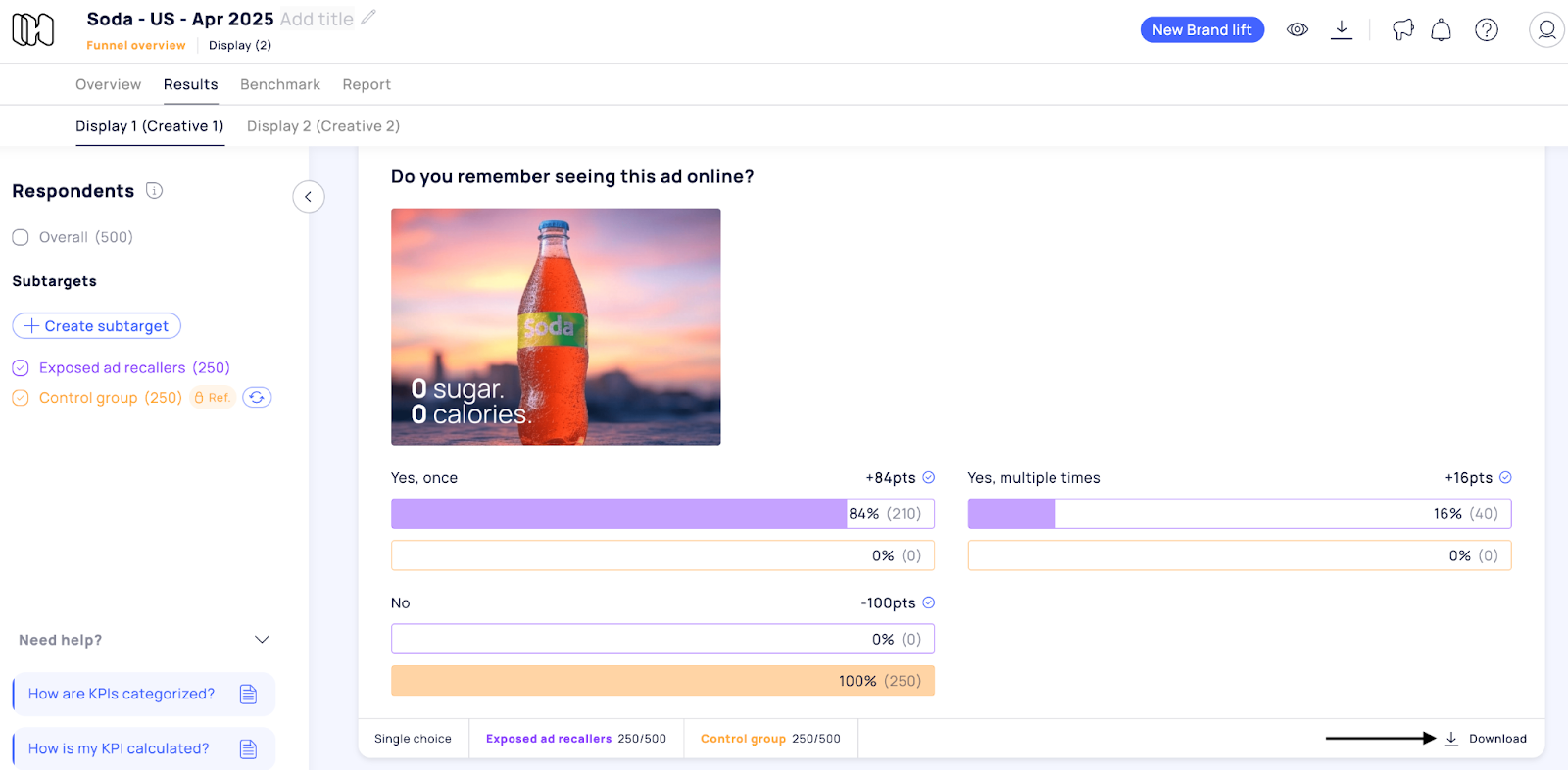
You can independently **download the audience graph and each KPI results** in .png format from the Results tab.
👋 If you don't find your answer, feel free to reach out to **** for further consideration !
#### 🚀 Related articles
* [How to read Brand lift results?](/analysis/brand-lift-results/how-to-read-brand-lift-results.md)
* [How to read the Audience graph ?](/analysis/brand-lift-results/how-to-read-the-audience-graph.md)
* [How to share my report?](/analysis/brand-lift-report/how-to-share-my-report.md)