> For the complete documentation index, see [llms.txt](https://support.happydemics.com/llms.txt). Markdown versions of documentation pages are available by appending `.md` to page URLs; this page is available as [Markdown](https://support.happydemics.com/in-flight-mode/in-flight-analysis.md).
# In-flight analysis
The results displayed each day reflect the a**ggregation of all respondents collected since the start of the campaign** — not just those collected on that specific day.
### Display thresholds
| Stage | What happens |
| -------------------------- | ------------------------------------------------------------------------------ |
| Fewer than 150 respondents | A message displays the estimated date when the first results will be available |
| From 150 respondents | Initial results become visible and are continuously updated |
### Time comparison (Trends)
KPIs results are **compared over time** using a consistent methodology:
Each day is compared to a previous day where the sample included **at least 50 fewer respondents.** **Hover over the last day** to get your current trend. This ensures a robust and meaningful basis for measuring evolution.
To correctly interpret trends, keep the following in mind:
* **Focus on overall direction, not daily variations**\
Day-to-day changes may occur due to sample size fluctuations
* **Wait for sufficient data volume**\
Trends become more reliable as more respondents are collected
* **Use trends to detect signals, not final conclusions**\
In-flight results are directional and should be confirmed with final results
* **Look for consistent patterns**\
Repeated increases or decreases over several days are more meaningful than isolated changes.
### Results
[KPI results](https://support.happydemics.com/analysis/brand-lift-results/how-to-read-brand-lift-results) in the Results tab are **dynamically updated** based on all respondents collected to date. It enables **day-by-day performance comparison** between the ad recall group vs the control group.
### KPIs vs Benchmark
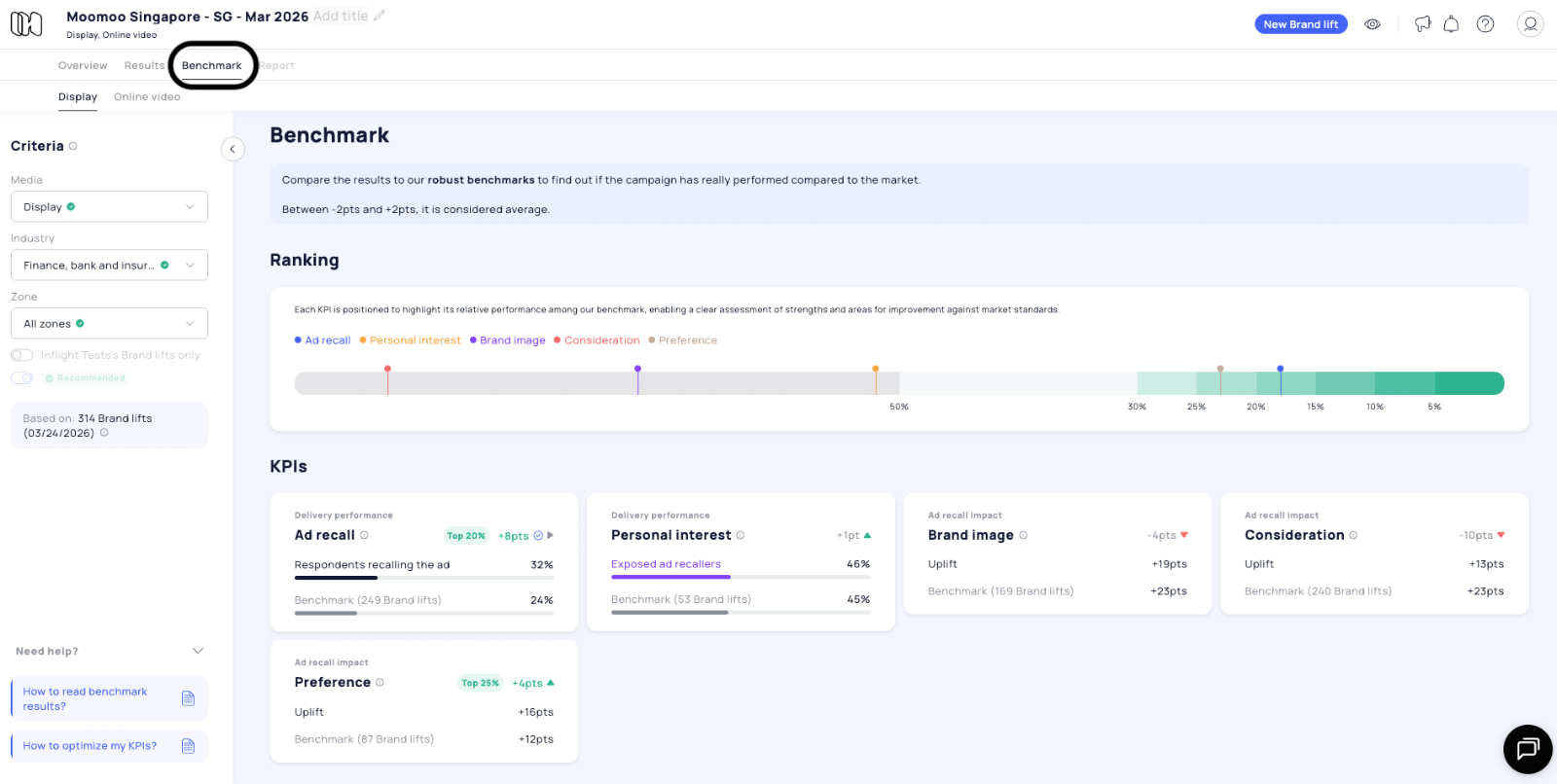
A **line chart** displays KPI evolution compared to a selected[ benchmark](https://support.happydemics.com/analysis/brand-lift-results/how-to-read-benchmark-results#h_0bda434744) in the Overview tab. The chart updates progressively as new respondents are collected. It enables **day-by-day performance comparison** against the benchmark
💡You can also:
* Display the results in **line or bar charts** in the Overview, Results and Benchmark tabs
* Zoom to better see the results in the Results tab > Questions & answers
* [Download](https://support.happydemics.com/analysis/how-to-download-my-brand-lift-results) graphs in .png
### Impact Score
The[ Impact Score](https://support.happydemics.com/analysis/brand-lift-results/what-is-the-impact-score-and-how-to-analyze-it) is **dynamically calculated** based on all respondents collected to date.
It is **continuously updated** as new data is collected.
### Cost Per Lifted User (CPLU)
{% hint style="warning" %}
⚠️ CPLU is not available during the campaign.
{% endhint %}
The[ CPLU](https://support.happydemics.com/analysis/brand-lift-results/what-is-the-cplu-and-how-to-analyze-it) is calculated **only after the campaign ends.**
This is because key inputs such as **media spend and reach** cannot be measured reliably on a daily basis. As a result, the calculation can only be finalized once the campaign is complete.
### Results & report
The results and report will be available **once the campaign is over and once the Brand lift reaches the number of respondents**. Once it’s completed, KPIs evolution will still be available for you to analyze afterwards.
👋 If you don't find your answer, feel free to reach out to **** for further consideration !
### 🚀 Related articles
* [What is in-flight mode?](/in-flight-mode/what-is-in-flight-mode.md)
* [How does in-flight work?](/in-flight-mode/how-does-in-flight-work.md)
* [In-flight configuration](/in-flight-mode/in-flight-configuration.md)