> For the complete documentation index, see [llms.txt](https://support.happydemics.com/llms.txt). Markdown versions of documentation pages are available by appending `.md` to page URLs; this page is available as [Markdown](https://support.happydemics.com/in-flight-mode/what-is-in-flight-mode.md).
# What is in-flight mode?
### Overview
In-flight mode allows you to **monitor and optimize** your campaign while it is running.
You can access **live results** on your brand KPIs, compare performance across **creatives, channels, audiences** and make adjustments before the campaign ends.
Once the campaign is completed, a **consolidated report brings together all results in one place.**
### Requirements
To activate **In-flight mode**, the campaign must meet the following condition:
* The campaign must start the day you're doing the setup or in the future, and last a minimum of 10 days.
In-flight Mode **cannot be enabled** if:
* The campaign has already ended
* The campaign has already started, even a few days ago
* The campaign lasts over 90 days.
### What you can monitor
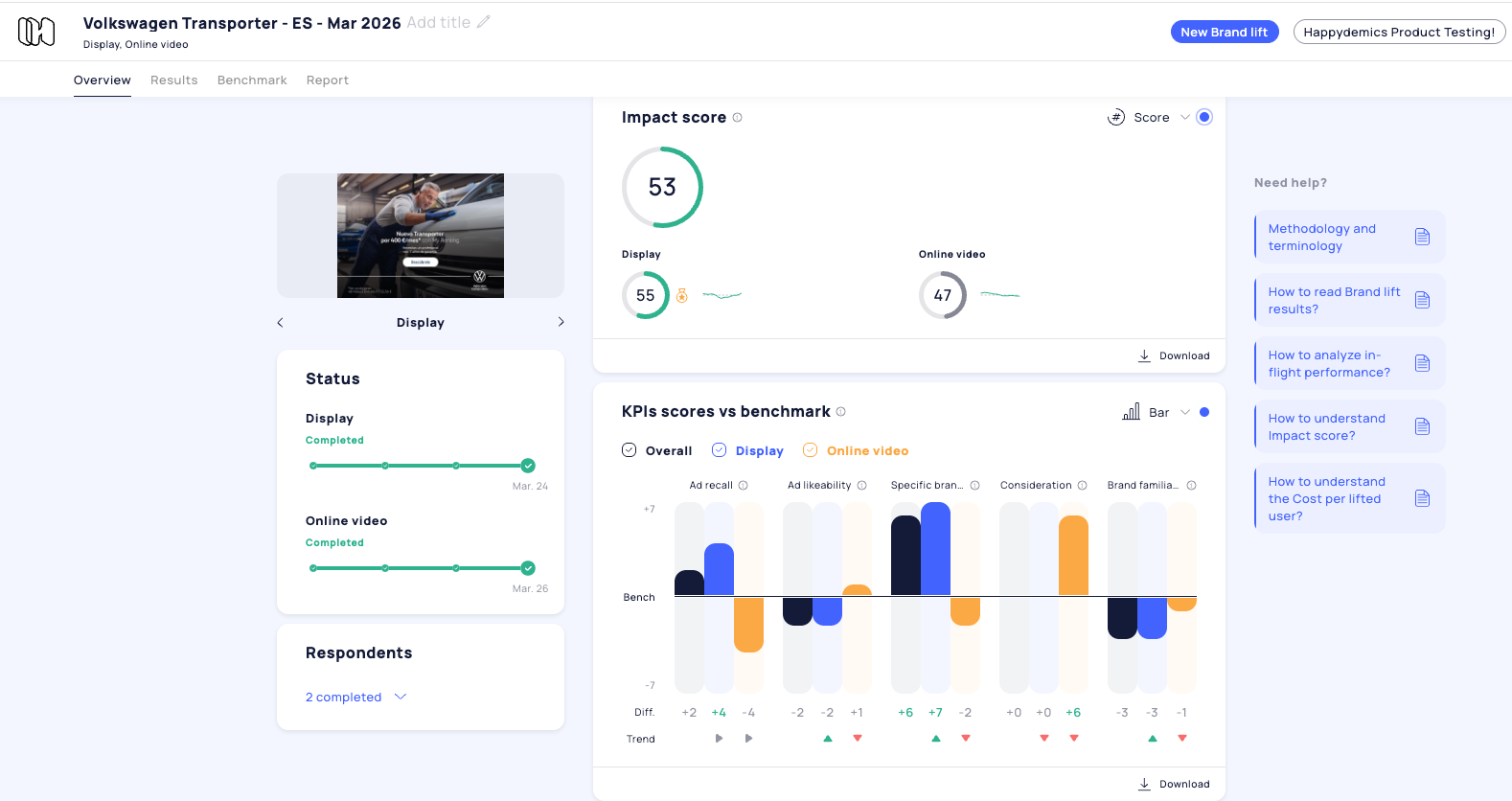
With In-flight mode, you can track **Brand lift performance indicators on a daily basis**, including:
* Delivery performance indicators (such as **Ad Recall**)
* Creative diagnostics (such as **Interest, Likeability, Clarity**)
* Brand impact KPIs (such as **Brand Image, Consideration, Purchase Intent**)
In total, the platform allows you to monitor **20+ brand KPIs** throughout the campaign.
Results are updated progressively as new respondents are collected.
### What you can analyze
In-flight mode allows you to compare performance across multiple campaign dimensions:
* **Channels** — identify which media channels drive the strongest impact
* **Creatives** — compare different creatives within the same campaign
* **Audiences** — evaluate performance across audience segments
This makes it possible to identify early performance signals and optimize before the campaign ends.
### Typical use cases
In-flight mode is particularly useful for:
**Multi-channel campaigns**\
Compare performance across multiple media channels to identify the most effective ones.
**Multi-creative campaigns**\
Measure how different creatives perform and identify the most impactful assets.
**Multi-target campaigns**\
Evaluate performance across audience segments and detect underperforming targets.
**Single-channel campaigns**\
Track performance and creative impact, with early insights even if adjustments are limited.
**Offline campaigns**\
Monitor brand impact and get early visibility, even without live optimizations.
### Why use In-flight mode
Traditional Brand lift studies provide results after the campaign ends.
In-flight mode enables advertisers to track campaign impact continuously, helping them:
* Monitor campaign performance trends
* Identify strong or weak media components
* Understand performance differences across audiences or creatives
* Prepare post-campaign optimization strategies
### The difference between In-flight mode and Post- Campaign
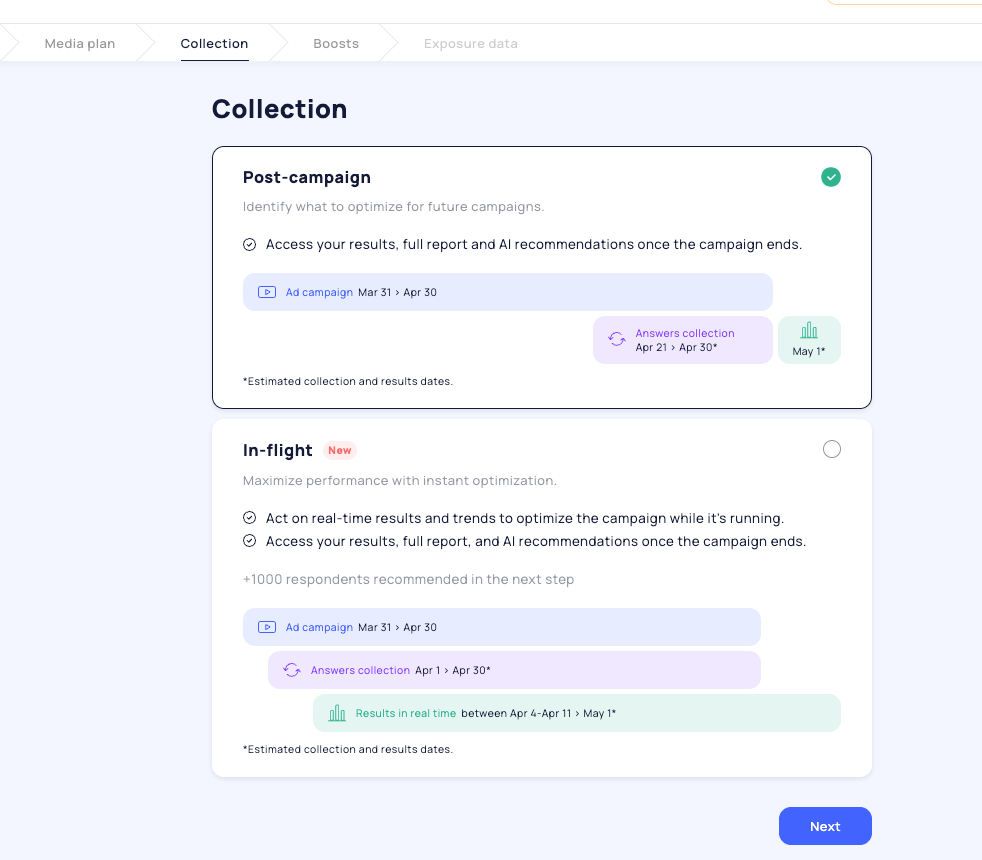
The main difference resides in the **timing** :
* With Post-campaign, you optimize your future campaigns.
* With In-flight mode, you can act **while the campaign is running and use the final results** to optimize your future campaigns
👋 If you don't find your answer, feel free to reach out to **** for further consideration !
### 🚀 Related articles
* [How does in-flight work?](/in-flight-mode/how-does-in-flight-work.md)
* [In-flight configuration](/in-flight-mode/in-flight-configuration.md)
* [In-flight analysis](/in-flight-mode/in-flight-analysis.md)