> For the complete documentation index, see [llms.txt](https://support.happydemics.com/llms.txt). Markdown versions of documentation pages are available by appending `.md` to page URLs; this page is available as [Markdown](https://support.happydemics.com/launch/survey-customisation/how-to-add-kpis.md).
# How to add KPIs?
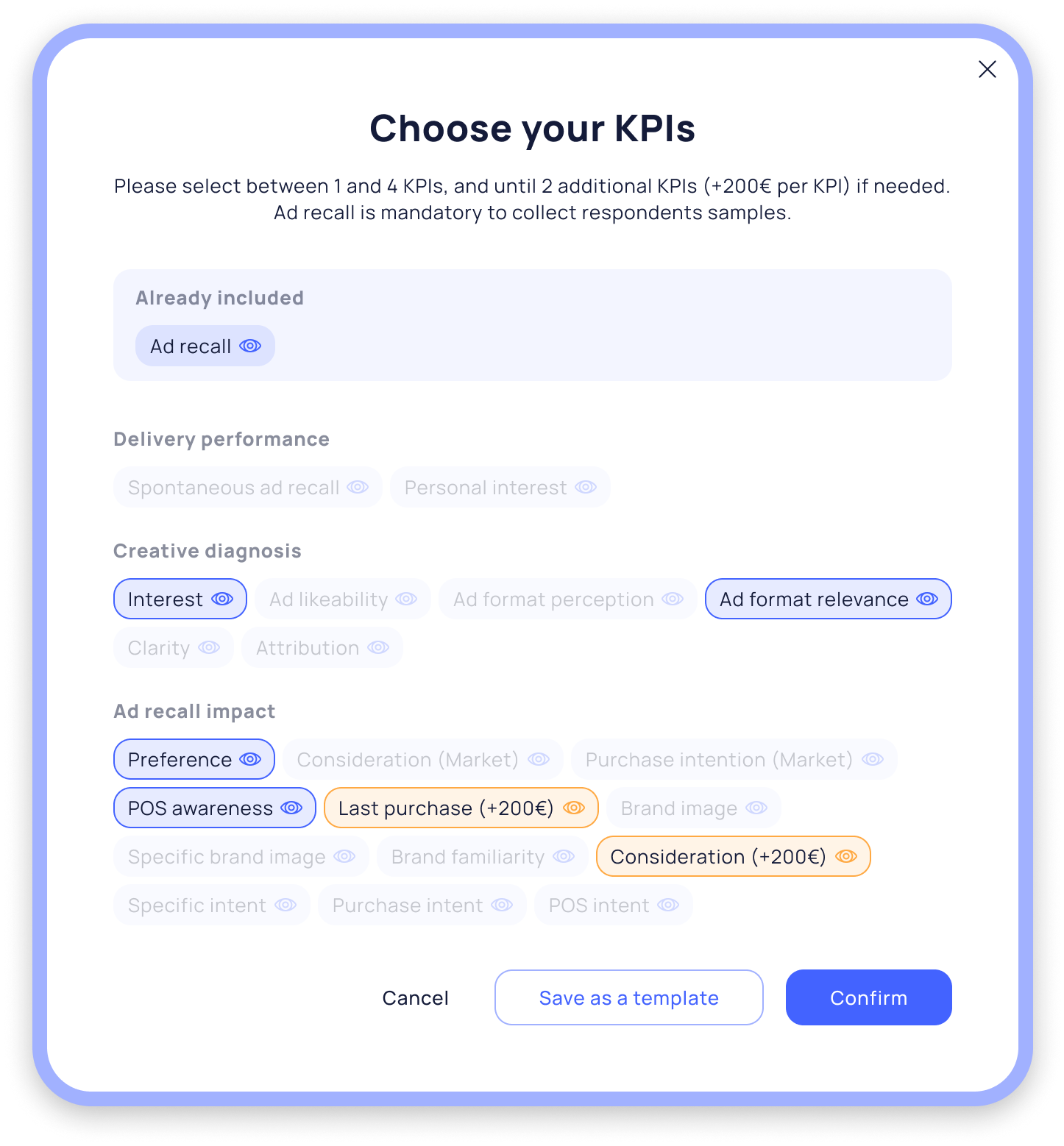
By default, a brand lift includes five indicators (including ad recall). However, you have the flexibility to add up to two additional KPIs to your brand lifts. Each extra indicator costs €200. Any additional costs will be clearly displayed before you proceed.
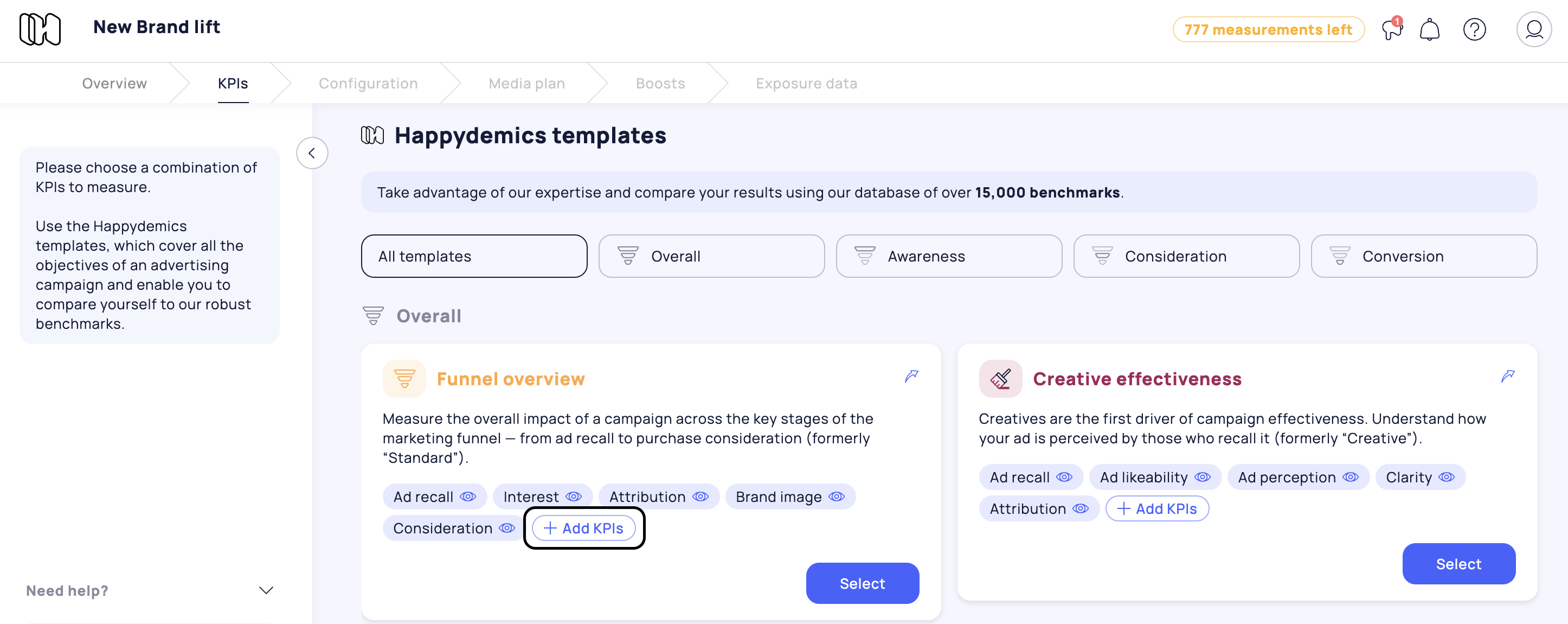
**How to add KPIs:**
* **Using a Happydemics template:** Simply click on "Add KPIs" within your chosen template. In this case, you’ll have the option to select from several recommended KPIs that are tailored to the objective of the template. Please note that you won’t be able to choose just any KPI from our full catalog—only those best suited for each template are available. This approach helps ensure coherence and consistency within every Happydemics template.
* **Selecting a custom KPI combination:** If you prefer a custom setup, you can build your own brand lift by choosing up to seven KPIs from our full catalog. You can select up to two additional KPIs as boosts, with each extra KPI available for €200. [You'll find more information here.](/launch/the-set-up/how-to-launch-a-brand-lift-with-a-custom-kpis-combination.md)
**Please note:** The KPIs you select will be applied to every brand lift you launch within the same campaign. For example, if you want to compare multiple media, platforms, or creatives in a single dashboard, each brand lift will include the same set of KPIs. As a result, any additional costs for KPI boosts will be multiplied based on the number of brand lifts in your campaign.